Vibe Coding: The Complete Beginner's Guide to AI-Assisted App Building in 2026
Learn what vibe coding is, which AI tools lead the pack in 2026 (Cursor, Lovable, Replit, Bolt.new), and how to go from idea to deployed app without writing a single line of code.
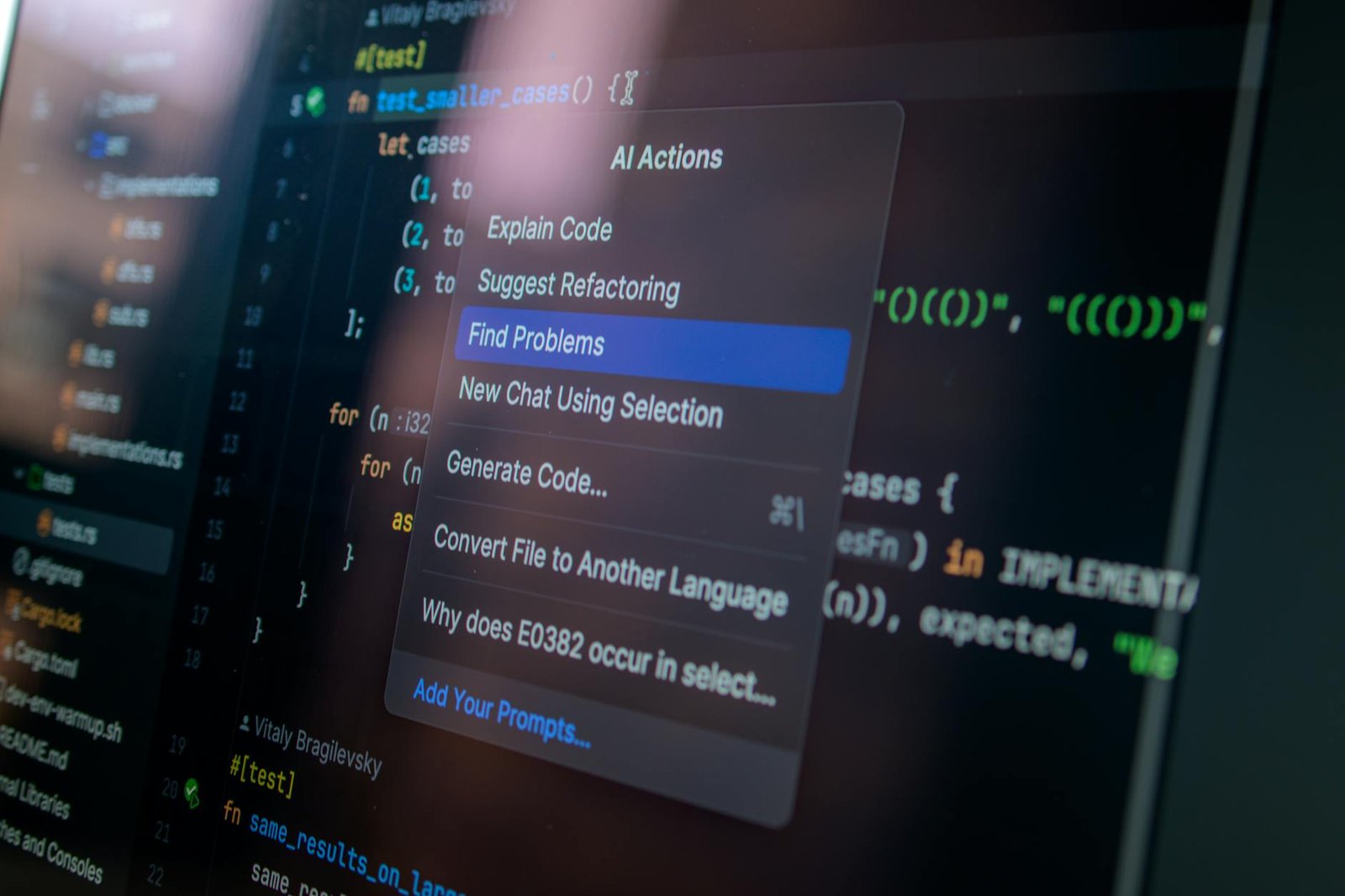
Vibe Coding: The Complete Beginner's Guide to AI-Assisted App Building in 2026
A year ago, building a web app from scratch required months of learning, a stack of technical books, and a tolerance for cryptic error messages. Today, a solo founder with zero programming experience can ship a working product in an afternoon — by simply describing what they want to an AI.
This is vibe coding. And if you haven't started paying attention to it, 2026 is the year you really should.
This guide covers everything you need to know: what vibe coding actually is, which tools lead the pack, how to run a real project from idea to deployment, and the honest limitations you need to understand before betting your business on it.
What Is Vibe Coding?
The term was coined by AI researcher Andrej Karpathy in early 2025. In a post that quickly went viral, he described a new workflow: instead of writing code line by line, you describe what you want in plain English and let the AI generate, refine, and debug the entire application for you. You stay in the "vibe" — the high-level creative and product thinking — while the AI handles the syntax.
Collins Dictionary named it their Word of the Year in 2025. By 2026, it has evolved from a clever experiment into a structured, industry-recognized development approach with a projected $8.5 billion global market.
The shift is significant. Traditional software development treats code as the primary product. Vibe coding treats code as a byproduct — what matters is the outcome you're describing.
Who Is Vibe Coding For?
The short answer: almost everyone building digital products.
- Non-technical founders who have a product idea but can't afford a $150/hour developer
- Designers who want to prototype interactive experiences without waiting for engineering sprints
- Marketers who need custom landing pages, calculators, or lead gen tools fast
- Developers who want to 3-5x their output on routine features and boilerplate
- Students learning programming who want to see working results while building their skills
The one caveat: vibe coding works best when you understand what you're building, even if you don't know how to build it. You don't need to write code, but you do need to think clearly about requirements, user flows, and edge cases. The AI amplifies your product thinking — it doesn't replace it.
The Top Vibe Coding Tools in 2026
The ecosystem has matured considerably. Here are the platforms dominating the space right now:
1. Cursor
Cursor is the preferred tool for developers who want maximum control. Built on top of VS Code, it feels familiar while adding a powerful AI layer that can read your entire codebase, understand context across files, and write or refactor code on command. The "Composer" feature lets you describe multi-file changes in plain language and see them applied automatically. At $20/month for the Pro plan, it's a no-brainer for anyone already writing code.
2. Replit
Replit is the most beginner-friendly option on the list. Everything runs in the browser — no local setup, no terminal commands, no configuration. You describe your app, Replit's AI generates the code, and you can deploy it publicly with one click. It's ideal for prototypes, simple tools, and learning projects. The collaborative features also make it great for teams or pair-programming sessions.
3. Lovable
Lovable targets the "zero to shipped" use case. You describe a web app, and it generates a polished, full-stack application — complete with a database, authentication, and a professional UI — in minutes. It connects directly to Supabase for the backend and GitHub for version control. Think of it as the fastest path from idea to something you can actually show an investor.
4. Bolt.new
StackBlitz's Bolt.new runs entirely in the browser using WebContainers, which means it executes code in your browser tab without a server. It's fast, impressive, and excellent for front-end heavy projects. The AI can scaffold React, Vue, or vanilla JavaScript apps from a single prompt. Its main limitation is that complex backend integrations can be tricky in a sandboxed environment.
5. v0 by Vercel
If your focus is on UI, v0 is outstanding. Describe a component — a pricing table, a dashboard card, a multi-step form — and v0 generates clean, production-ready React code using shadcn/ui and Tailwind. Copy the code into your project and it works. It's not a full app builder, but as a UI generation tool it's the best in class.
6. Windsurf
Codeium's Windsurf is a direct competitor to Cursor, with a strong focus on "agentic" behavior — the AI can take multi-step actions autonomously, not just respond to single prompts. Its "Cascade" feature can execute terminal commands, run tests, and iterate on code based on the results, all without you touching a keyboard.
7. Base44
Base44 focuses on internal tools and business automation. If you need a custom admin panel, a CRM dashboard, or a data visualization tool that connects to your existing database, Base44 generates these faster than any other platform currently available. It's particularly strong for non-technical operators who need functional business tooling without IT involvement.
A Real Vibe Coding Workflow: From Idea to Live App
Let's walk through a concrete example. Say you want to build a simple subscription tracker — an app where users can log their software subscriptions, see total monthly spend, and get reminders before renewals.
Step 1: Define the spec (10 minutes)
Before opening any tool, write out what your app needs to do. Don't worry about technical terms — write it like you're explaining it to a friend:
"I want a web app where I can add subscriptions (name, cost, renewal date, category). The home screen shows my total monthly spend. I want to filter by category. Remind me 3 days before renewal via email."
This description becomes your first prompt. The more specific you are, the better the output.
Step 2: Generate the scaffold (5 minutes)
Paste your description into Lovable or Bolt.new. Within a minute or two, you'll have a working application with a UI, a data model, and basic CRUD functionality. It won't be perfect, but it will be functional.
Step 3: Iterate with follow-up prompts (30 minutes)
This is where most of your time goes. You're having a conversation with the AI, refining the app one feature at a time:
- "The subscription cards need to show days until renewal, not just the date"
- "Add a color-coded badge: green if renewal is more than 30 days away, yellow for 7-30 days, red for under 7"
- "The filter dropdown isn't working when I select multiple categories at once — fix it"
Each prompt refines the app further. You're thinking like a product manager, not a programmer.
Step 4: Test and find edge cases (20 minutes)
Click through the app like a real user. Try to break it. What happens if you add a subscription with no renewal date? What if the cost field accepts letters? Feed every bug back to the AI as a plain-language description and let it fix them.
Step 5: Deploy (5 minutes)
Most vibe coding platforms have one-click deployment. Lovable pushes to a live URL automatically. Replit gives you a public link. Bolt.new integrates with Netlify. Your app is live.
Prompting Strategies That Actually Work
The quality of your output depends heavily on how you communicate with the AI. Here are the techniques that make a consistent difference:
Be specific, not vague
Weak: "Make the UI look better"
Strong: "Change the background to a dark navy (#0F172A), use white text, and add 16px padding to all cards"
Reference what you know
You don't need technical vocabulary. You can reference apps you like: "Make the navigation look like Notion's sidebar" or "The form should feel like Typeform — one question at a time."
Fix one thing at a time
Bundling too many requests in one prompt often produces muddled results. Ask for changes in focused, sequential steps.
Ask for explanations when something breaks
When the AI hits a wall, don't just re-prompt. Ask it to explain what's causing the issue. Understanding the constraint helps you either find a workaround or decide whether the feature is feasible.
Keep a running requirements doc
As your project grows, paste your latest requirements into each new session. AI tools don't have persistent memory across sessions by default, so giving it context upfront saves you from re-explaining your entire app every time.
The Honest Limitations You Need to Know
Vibe coding is genuinely transformative, but it's not magic. Here are the real constraints that every practitioner runs into:
Security vulnerabilities
Studies consistently find that 40-45% of AI-generated code contains security vulnerabilities. This isn't a reason to avoid vibe coding — it's a reason to be deliberate. If your app handles user data, payments, or authentication, get the security-sensitive parts reviewed by someone with security expertise before going live.
Complex integrations get harder
AI handles standard integrations well — Stripe payments, email via Resend, authentication via Clerk. But the more custom or obscure your third-party API, the more the AI will hallucinate documentation or produce code that almost works. Budget extra iteration time for non-standard integrations.
Scale and performance
An app that works beautifully for 10 users may crumble under 10,000. AI-generated code is rarely optimized for performance. Database queries may lack proper indexing, loops may be inefficient, and caching may not exist. For consumer-scale products, expect to revisit the architecture.
You can get lost in generated code
If something breaks in a complex app and you don't understand the generated code, debugging becomes very hard. The AI will help, but it can also confidently produce wrong fixes. Having at least a basic understanding of what your app is doing at a high level helps you catch these errors faster.
Vendor lock-in is real
Each platform makes different architectural choices. Migrating a Lovable app to a different stack later is non-trivial. Think about long-term ownership before committing to any single platform for a production system.
Vibe Coding vs. Traditional Development: When to Use Each
| Use Case | Vibe Coding | Traditional Dev |
|---|---|---|
| Rapid prototype / MVP | ✅ Excellent | ⚠️ Slower |
| Internal tools and dashboards | ✅ Great fit | ⚠️ Overkill |
| Landing pages and marketing sites | ✅ Fast and cost-effective | ⚠️ Often unnecessary |
| Consumer apps at scale | ⚠️ Needs review | ✅ Better foundation |
| Security-critical systems | ❌ Requires expert review | ✅ More reliable |
| Complex custom algorithms | ⚠️ AI can struggle | ✅ More reliable |
| Regulated industries (finance, health) | ❌ High risk | ✅ Required |
The Skill Set That Makes Vibe Coders Exceptional
The developers and founders getting the most out of vibe coding in 2026 share a common skill set — and it's not primarily technical:
- Clear product thinking: They can articulate exactly what they want and why
- Iteration discipline: They test relentlessly rather than assuming the AI got it right
- Debugging intuition: They can describe problems precisely enough for the AI to fix them
- Basic literacy in web concepts: HTML, APIs, databases — not code, just concepts
- Knowing when to escalate: They recognize when a problem exceeds what AI can reliably handle
None of these require a CS degree. They require curiosity, patience, and willingness to iterate.
Getting Started Today
If you've never tried vibe coding, the fastest way to form an opinion is to spend 30 minutes with one of these tools on a real problem you have.
Pick something small and useful: a personal expense tracker, a simple booking form for a local business, a tool that calculates pricing for your freelance services. Open Replit or Lovable, describe what you want, and see what comes back.
You'll likely be surprised. Not because it's perfect — it won't be — but because a working prototype in 20 minutes is a fundamentally different starting point than a blank file.
The gap between "I have an idea" and "I have a working thing" has collapsed. That's the real story of vibe coding in 2026, and it's still in its early chapters.
— Drawn from building AI-powered production systems at Warung Digital Teknologi (wardigi.com), including SmartExam AI Generator, DiabeCheck Food Scanner, and BizChat Revenue Assistant.
Enjoyed this article?
Get more AI insights — browse our full library of 103+ articles and 373+ ready-to-use AI prompts.
📰 More like this

Context Engineering for Long-Running AI Agents: Compaction, Memory & Real Numbers (2026)

How I Cut Our LLM API Bills by 73% With Prompt Caching: A Production Engineer's Guide (2026)

GPT-5.4 API Guide for Developers: 1M Context Window, Computer Use, and Real Integration Notes

Too Many AI Agent Tools? Use Tool Search Before Your Context Window Starts Sweating

Mintlify Replaced RAG With a Virtual Filesystem for Their AI Assistant — And Their Response Time Dropped From 46 Seconds to 100 Milliseconds